Foreword
"The system is installed, but I don't know what to test?"
After a solar system is installed, many novice users don't know what to check, how to judge the quality of the installation, or whether they missed any important details before signing. Some people sign without fully understanding the process, only to find various problems after moving in, and then face delays and excuses from after-sales service.
Acceptance testing of a solar energy system is a crucial step in ensuring system quality and avoiding after-sales disputes. A thorough acceptance test allows for the timely identification and rectification of problems; a careless test may conceal issues, leading to their discovery after the warranty period has expired.
This article provides a "Beginner's Acceptance Checklist," outlining 10 key points covering the main stages from visual inspection to functional testing. Each item includes specific inspection methods and judgment criteria, ensuring you have a solid basis for your acceptance process and avoid being misled.
I. Appearance and Installation Quality Inspection
The first step in acceptance testing is to check the system's appearance and basic installation quality. This step seems simple, but many problems are actually hidden here.
Inspection Point 1: Solar Panel Installation Status
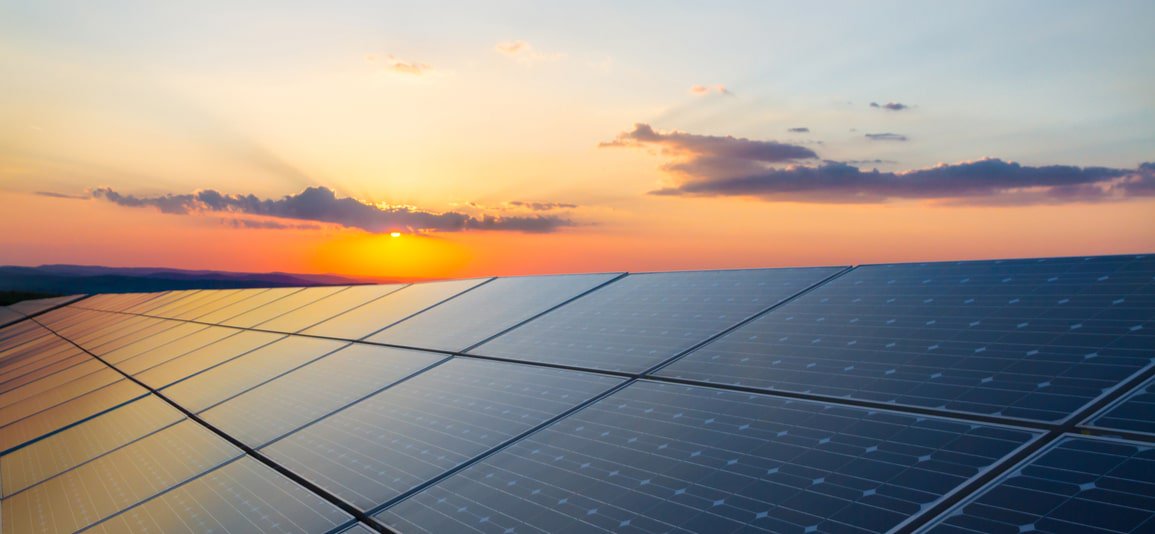
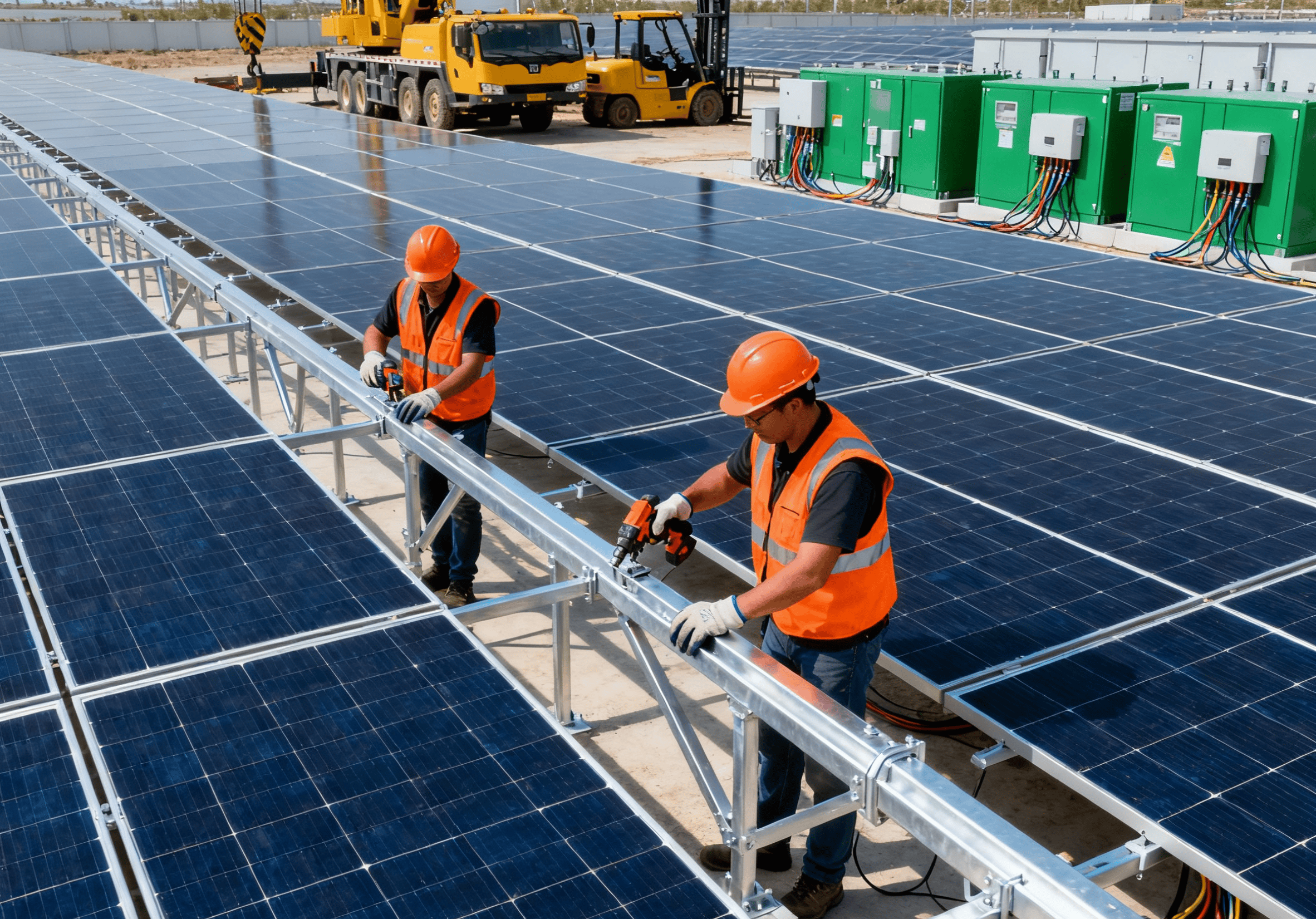
Check if the solar panels are installed flat and without any obvious tilt. You can observe them from a distance with the naked eye. If you find that a row of panels is noticeably uneven or oriented inconsistently, it indicates a problem with the installation. Then, gently push the edges of the panels to confirm that they are securely installed and do not wobble.
Check the surface of the solar panel for scratches, cracks, or broken corners. A new panel should have a clean and transparent surface. If there are scratches or cracks, it may have been damaged during handling or installation, and you should request a replacement. Also check if the panel frame is intact and free from deformation or damage.
Check if the spacing between the solar panels is reasonable. There should be sufficient gaps between the panels (generally 3 to 5 centimeters) to facilitate heat dissipation and later maintenance. If the spacing is too small, it will affect the power generation efficiency and also make future maintenance difficult.
Inspection point two: Brackets and fasteners
Check that the bracket material matches the contract. Common materials include aluminum alloy brackets, stainless steel brackets, and hot-dip galvanized steel brackets. Different materials have different prices and applicable environments, which should be clearly stated in the contract. If the material is incorrect, request an explanation.
Inspect the corrosion protection of the brackets. Aluminum alloy brackets generally do not require additional corrosion protection; steel brackets must be hot-dip galvanized or powder coated, otherwise they will rust within two to three years. Visually inspect the galvanized layer; it should be a uniform silvery-white color without obvious rust spots or missed areas.
Check that the fixing screws are tightened. All screws at the connection between the bracket and the roof, and at the fixing points between the solar panels and the bracket, should be tightened with a wrench to ensure they are not loose. If any screws are found to be loose, require them to be retightened.
II. DC Side Electrical Connection Inspection
The DC side is the line between the solar panels and the inverter, and checking this part is related to the safety and efficiency of the system.
Inspection point 3: MC4 connector connection
The MC4 connector is a waterproof connector specifically designed for solar energy systems. When inspecting it, pay attention to three key points: whether the connector is tightened, whether there is any water or dust inside the connector, and whether the male and female connectors match correctly and are not mixed up.
Manually pull on each MC4 connector to confirm that the connection is secure and not loose. If the connector can be easily pulled out, it means the crimping is not tight and it must be re-crimped or replaced.
Check if the protective sleeve of the connector is intact. The plastic shell of the MC4 connector should have a complete sealing ring and a waterproof cap. If the protective sleeve is damaged or missing, water may enter the connector, leading to poor contact or even a fire.
Inspection point four: DC cable routing
Check if the cables are neat, orderly, and securely tied. In a good installation, cables should be neatly secured to the bracket with cable ties, with a fixing point at regular intervals, and the cables should run straight without being tangled.
Check if the cables are protected by conduit. DC cables from the roof to the inverter should be run in PVC or metal conduit to prevent UV radiation and physical damage. Exposed cables will age prematurely due to prolonged exposure to wind and sun, increasing the risk of electrical leakage.
Check if the cables have sufficient slack. When the distance from the solar panel to the inverter is long, the cables should have some slack for easy maintenance later. If the cables are too taut, the connections will be under stress and may loosen over time.
III. Grid Connection Inspection on the AC Side
The AC side is the connection between the inverter and the home distribution box. Checking this part is related to whether the system can generate electricity normally when connected to the grid.
Inspection Point 5: Distribution Box and Circuit Breaker
Check if the inverter's AC output is connected to a dedicated circuit breaker. This is a rule—the output of the solar system must be connected to a dedicated circuit breaker and cannot be shared with other circuits. Check if there is a dedicated circuit breaker for the solar system in the distribution box, and whether its capacity matches the inverter (e.g., a 6kW inverter corresponds to a 32A circuit breaker).
Check if the circuit breaker has a residual current device (RCD) function. An RCD can quickly cut off the power supply in the event of a leakage current, protecting personal safety. If it does not have RCD, ask the installer to add it.
Check that the wiring inside the distribution box is neat and that the terminals are tightened. Open the distribution box cover and check if the wiring inside is tangled or if the terminals are loose. If you find that the wiring is messy or the terminals are loose, you need to reorganize it.
Checkpoint 6: Two-way energy meter
Check if the power company has replaced the electricity meter with a bidirectional one. Ordinary households use single-phase meters, which only record electricity consumption; solar systems require bidirectional meters to record both consumption and electricity sold. If the power company hasn't replaced it yet, urge them to do so as soon as possible, otherwise electricity sales cannot be measured.
Check if the data displayed on the electricity meter is normal. Under normal circumstances, the electricity meter screen will display data such as "positive active power" and "reverse active power," which correspond to the electricity used and the electricity sold, respectively. For a newly connected system, if the solar panels have not yet started generating electricity, the reverse data should be zero.

IV. Grounding and Safety Protection Inspection
Grounding is the most important safety measure for solar energy systems, and this part of the inspection must not be taken lightly.
Checkpoint 7: Grounding Connection
Check if the inverter casing is grounded. Use a multimeter to measure the resistance between the inverter casing and the grounding wire; it should be close to zero ohms. If the resistance is very high or even infinite, it indicates that the grounding is not properly connected, which may pose a risk of electric shock.
Check that the solar panel bracket is grounded. Metal brackets must be grounded to prevent electricity from being conducted to the roof in the event of a lightning strike. Grounding of the bracket is typically achieved by connecting a flat steel bar or copper wire to the building's grounding grid. Use a multimeter to confirm that the grounding path is continuous.
Check the specifications and layout of the grounding wire. The grounding wire should be a yellow-green bicolor wire with a cross-sectional area of not less than 4 square millimeters. There should be no joints between the grounding point and the grounding stake or grounding grid, and it should be continuous and complete.
V. Inverter Functional Testing
Inverters are the "heart" of solar energy systems, and functional testing is a core part of acceptance testing.
Checkpoint 8: Inverter startup and grid connection
Observe the inverter's initial startup process. After closing the DC switch and AC circuit breaker, the inverter should begin a self-test. Once the self-test is complete, it should display "Grid Connected" or "Grid Connected" status. The entire process usually takes tens of seconds to one or two minutes. If the inverter repeatedly displays "Waiting for Grid Connection" or "Grid Abnormal," it indicates that there may be a problem with the grid connection conditions not being met.
Observe the inverter's operating parameters. During normal operation, the inverter screen should display data such as the current power generation, DC input voltage, AC output voltage, and today's power generation. If the displayed data is obviously abnormal (e.g., power generation is zero even though there is sunlight, or the AC voltage is not within the 220V±10% range), record it and report it to the installer.
Check the inverter's protection functions. Simulate a power outage (e.g., have the installer disconnect the main switch in the distribution box) and observe whether the inverter can switch to off-grid mode within 20 milliseconds and whether the battery can supply power to the house normally. If the switching time is too long or the switching fails, it indicates a potential problem with the anti-islanding protection.
Checkpoint Nine: Communications and Monitoring
Check if the mobile app can connect and display data normally. Most modern inverters support WiFi or 4G connectivity. Download the manufacturer's app, scan the QR code on the inverter to bind the device, and see if you can view real-time power generation data, power consumption data, battery status, etc.
Check if the data displayed on the app matches the data on the inverter screen. If there is a significant difference between the data on the app and the data displayed on the inverter screen (for example, a difference of a few kilowatt-hours in power generation), it may be due to communication delays or data transmission problems, which need to be investigated.
Verify that the alarm function is working properly. Go to the app's settings menu and confirm that alarm notifications are enabled. Then, intentionally block one solar panel to simulate a decrease in power generation and see if the app sends an alarm message. This function is crucial when the system malfunctions.
VI. Document and Data Handover
The final step in the acceptance process is to confirm that all documents and data have been completely handed over.
Checkpoint 10: Documentation and Quality Assurance
Check that you have obtained complete product warranty documentation. Solar panels typically have a warranty of 25 to 30 years (power warranty) and 10 to 12 years (product warranty), inverters typically have a warranty of 5 to 10 years, and batteries typically have a warranty of 5 to 10 years. All product warranty cards, official invoices, and inspection reports should be complete; otherwise, the warranty may not be honored.
Check for a system acceptance certificate and as-built drawings. The acceptance certificate should list the system's installed capacity, number of components, inverter model, battery capacity, and other key parameters, as well as the acceptance date and signatures of both parties. The as-built drawings should show the layout of the solar panels, wiring routes, and connection methods to facilitate future maintenance.
Confirm that the grid connection filing is complete. Residential distributed photovoltaic systems require an application for grid connection to the power supply bureau. Once approved, the bureau will issue a grid connection approval letter. Confirm that you have received this document, that the power supply bureau has replaced the bidirectional electricity meter, and that the system is officially registered in the power supply bureau's system.
Conclusion
The core of the solar system acceptance checklist consists of these 10 key points: appearance and installation, DC connection, AC grid connection, grounding protection, inverter function, monitoring and communication, and document quality assurance.
Before signing, check each item on this checklist. Raise any issues immediately and require the installer to rectify them. After rectification, inspect again until all items pass before signing. Before signing, you are the client; after signing, you become the contractor, significantly reducing your control over after-sales service.
Hopefully, this checklist will help you ensure a smooth acceptance process. Solar systems are meant to last 20 to 30 years, so spending a little more time on the acceptance phase will save you a lot of trouble later.
Please contact Simon immediately to discuss your project:
WeChat: TY530643572
Telephone: +86 137 1166 0041